Bounded-memory viewing
Move from the beginning to the middle or end of multi-gigabyte files without loading the entire file into RAM.
TitanFile Viewer opens, searches, and filters massive text, JSON, CSV, and log files with bounded memory usage. Your source stays read-only and untouched.
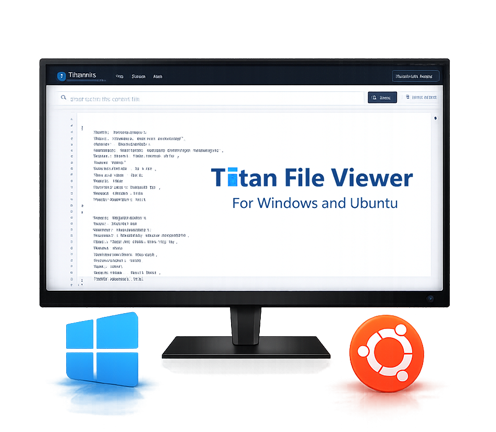
TitanFile reads only the data window you need, keeping the interface responsive while the file remains safely on disk.
Move from the beginning to the middle or end of multi-gigabyte files without loading the entire file into RAM.
Find literal text forward or backward, including matches that cross internal read boundaries.
Show matching TXT and CSV lines, or retain complete enclosing JSON objects as valid JSON output.
Count lines for text and CSV files, and count objects when inspecting JSON.
Copy visible content and save clean filtered results without turning the viewer into an editor.
Automatic UTF-8 and BOM-based UTF-16 handling, with safe replacement and status reporting for malformed input.
Every download includes the complete TitanFile Viewer feature set on both supported platforms.
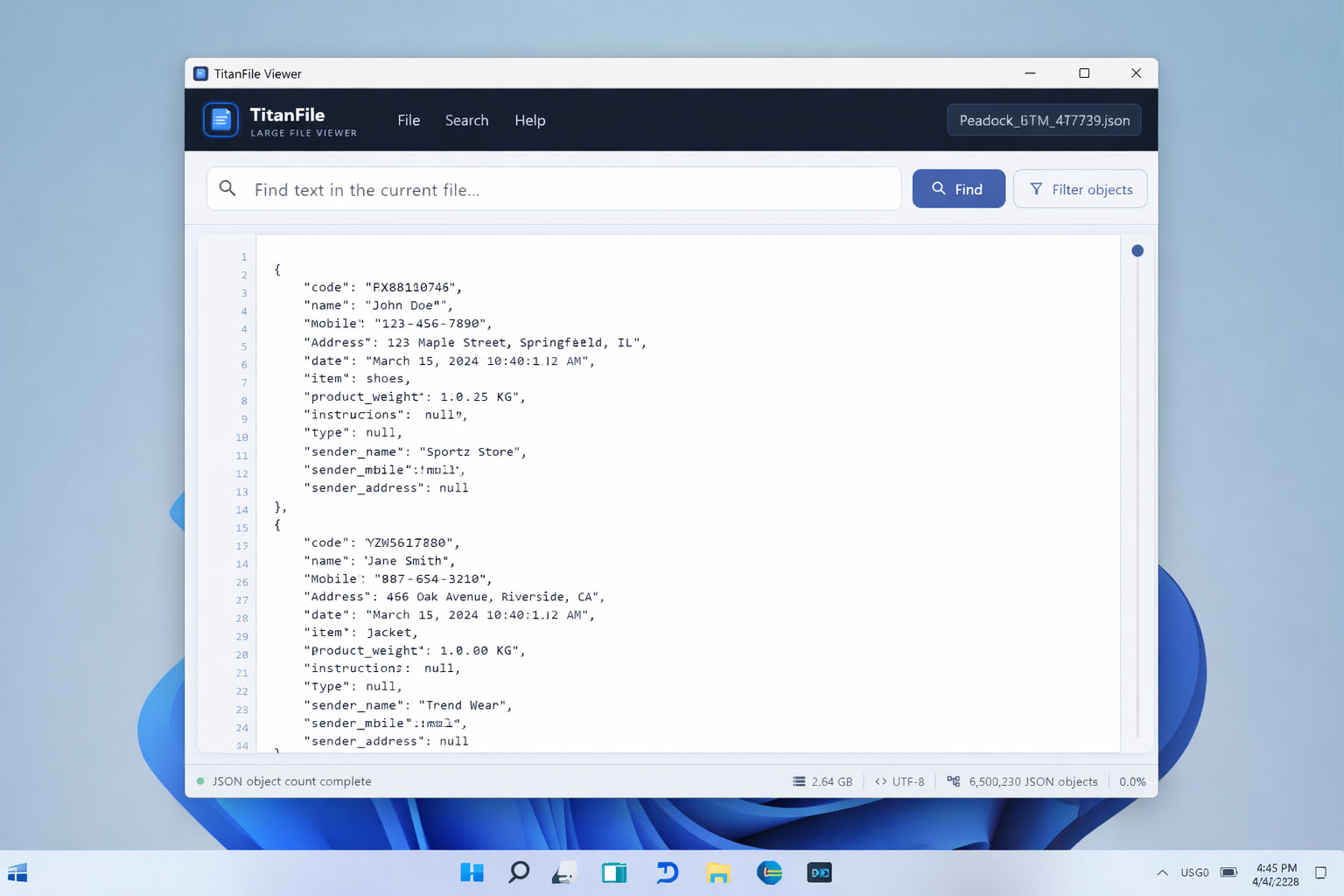
A familiar desktop installation with Start menu integration and automatic uninstall support.
Download Windows setup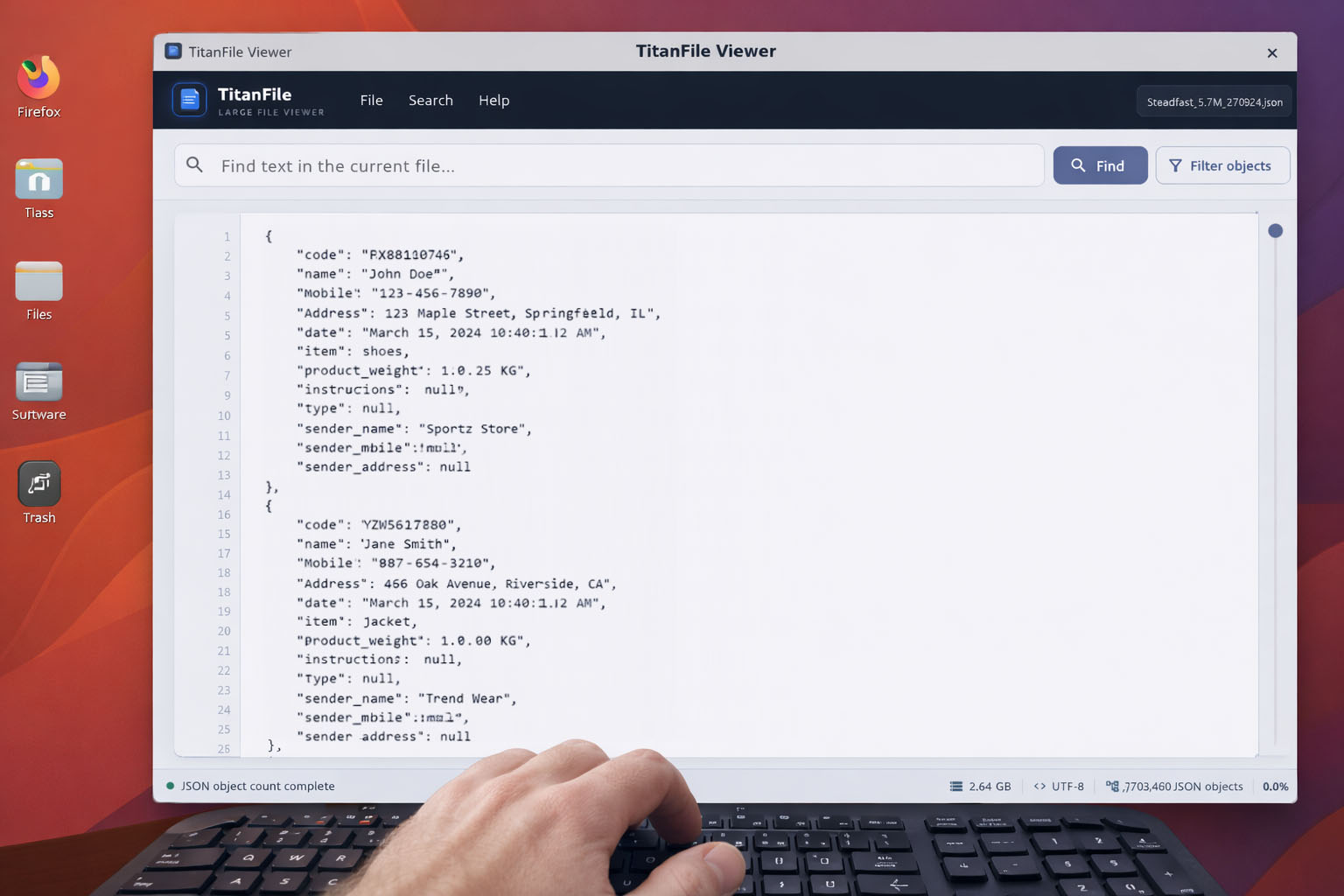
Download one portable application file, make it executable, and run it without a traditional installer.
Download Ubuntu AppImageUse the trial to confirm TitanFile works with your files, then purchase one lifetime license with a single payment through PayPal.
Test TitanFile Viewer on your own large text, JSON, CSV, and log files before purchasing.
Purchase TitanFile Viewer once for continued licensed use. No recurring subscription.
The interface stays focused on inspection. There is no database setup, import process, or full-file parsing requirement before you can begin.
Select a local text, JSON, CSV, or log file.
Jump through the file, view counts, and copy visible content.
Locate text or create a clean filtered result for further work.